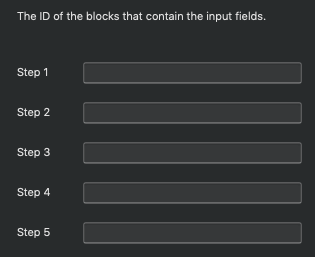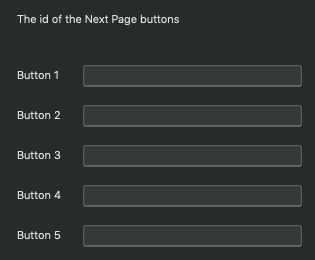
Step Forms Required
This bric was created for Blocs to ensure that required field warnings work perfectly in multi-step forms.
Summary
This bric was created for Blocs to ensure that required field warnings work perfectly in multi-step forms.
If something is missing, it automatically jumps to the section or tab where the error is and displays the familiar Bootstrap alert.
No magic, no complexity – it simply does its job quietly, making sure every form is correctly filled out before moving to the next step

Requirements ⓘ Blocs version 5 or 6
Important: ⚠️
When purchasing, please enter your email address correctly, in case of a typo we can't send a confirmation. If the confirmation doesn't arrive, it's worth checking the spam folder as well.